WebGIS AppBuilder
With the AppBuilder, similar to the MapBuilder, WebGIS applications can be created. Here, however, these do not necessarily have to be maps. Instead, the AppBuilder offers special templates for applications. These templates can be customized via the AppBuilder with user-defined parameters (e.g. map services). The customized templates can then be published like maps in the MapBuilder and appear on the portal page in any category.
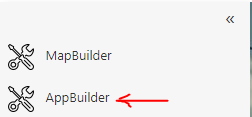
The AppBuilder is opened via the sidebar of the portal page:
After opening, the AppBuilder appears in the following form:
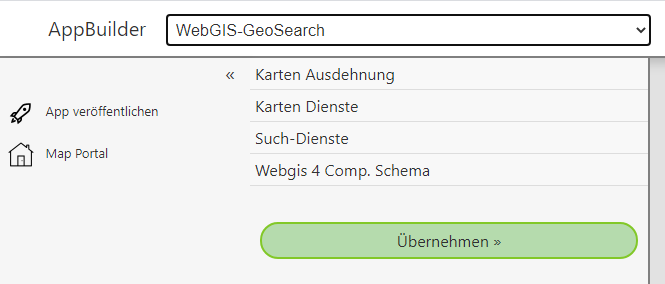
In the title bar, the desired template can be selected. Depending on the template, the corresponding parameters that can be customized appear in the sidebar. Clicking on a parameter expands the corresponding section. Once all necessary parameters have been specified, the app can be created with the Apply button in the preview area.
Once an app has been created and appears correctly in the preview area, it can be added as a tile to the portal page via the Publish App button. Just as with the MapBuilder, a name and a category must also be assigned here.
This description briefly introduces some of these templates and shows how an app can be published and opened.
Contents: