Integrating a WMTS Tilecache Service
For this, switch to Services/OGC Service/WMTS in the CMS tree:
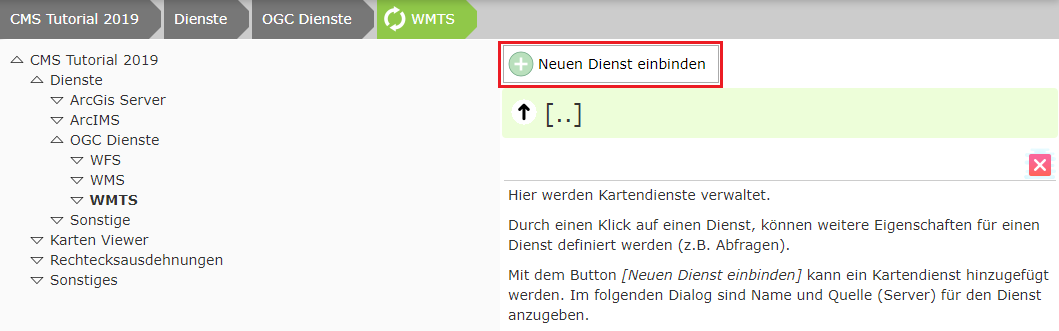
Click Integrate new service.
In the dialog, enter the URL to the WMTS service (https://www.basemap.at/wmts/1.0.0/WMTSCapabilities.xml) and click Update:
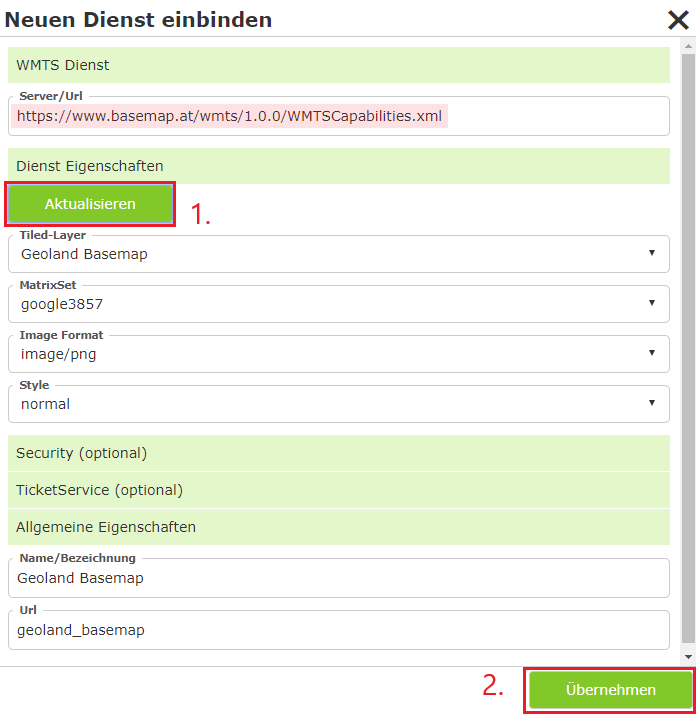
The missing values are filled in automatically. In the case of WMTS, the desired tiled layer can still be selected, which in turn adjusts the remaining values.
Then click Apply:
Caution: So that a service can later also be toggled like a background service, the value Basemap must still be set to “true” in the Advanced Properties. The Web CMS should detect this automatically and fill it in correctly. If the service is additionally also an overlay tile cache (e.g. street names over orthophoto), the “Overlay” option must be handled in the same way.
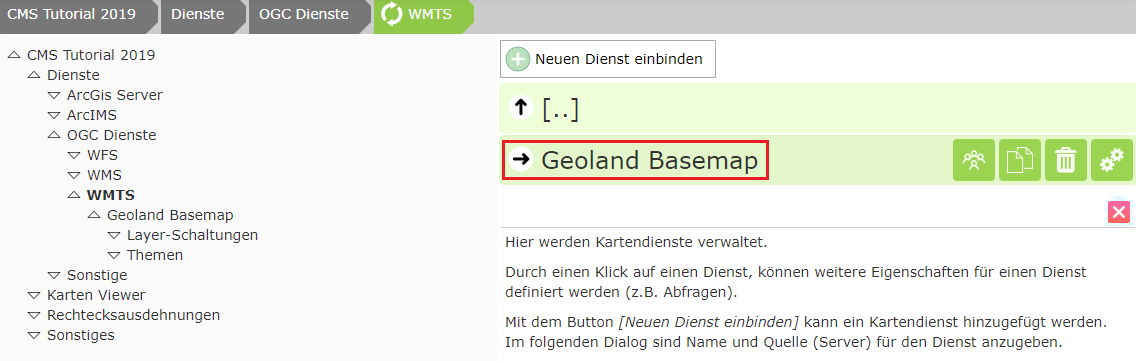
Click on the service:
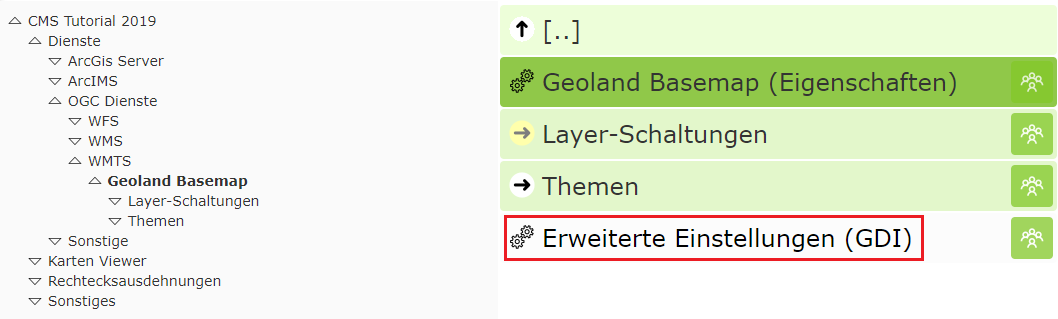
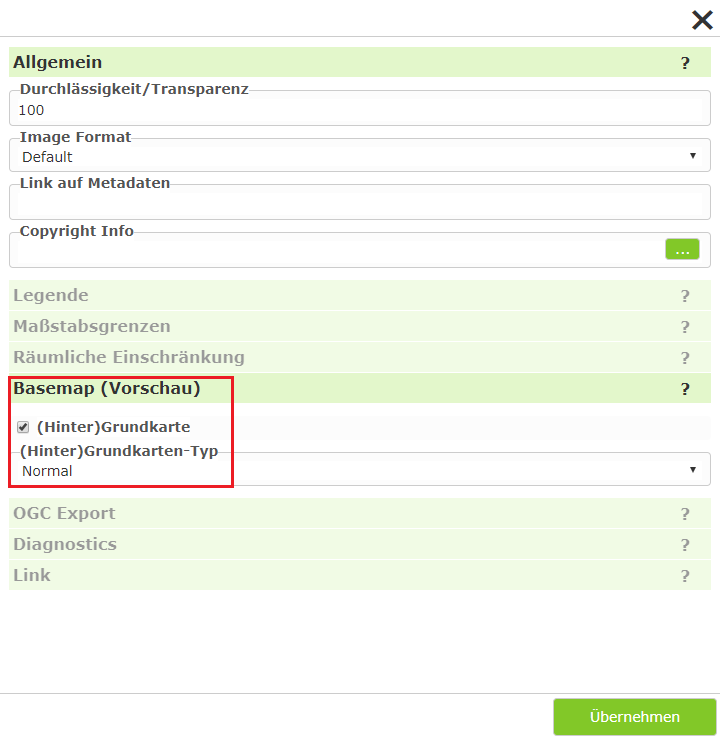
The same procedure can now be used to load additional tiled layers of the basemap.
Note: Integrating a service as WMTS has the advantage that descriptions and copyright references are already included here. These are adopted directly and later shown in the viewer.