Secrets
Secrets can be used to store connection strings and passwords centrally within a CMS. This has the advantage that these connection strings do not keep appearing in different places. If, for example, a password needs to be changed, this ensures that the change only needs to be made in one place.
Creating a Secret
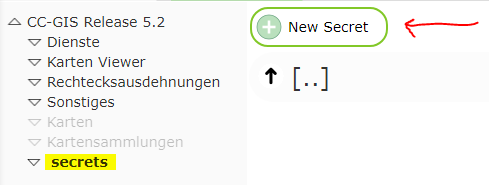
To create a secret, switch to the Secrets area in the CMS and select New Secret:
Note
If this area is not available, a Reload Root via the sidebar may be necessary.
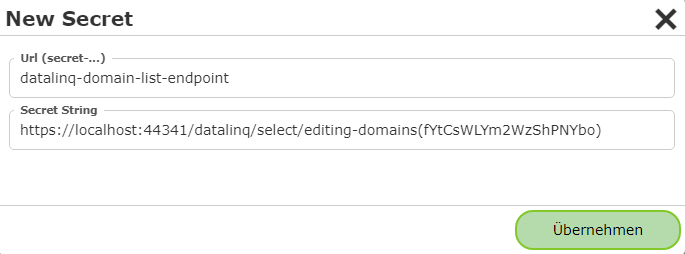
If, for example, the selection lists of a DataLinq endpoint are accessed repeatedly, it is recommended to adopt part of the URL (including the token) as a secret.
https://.../datalinq/select/editing-domains(fYtCsWLYm2WzShPNYbo) @domain-list1
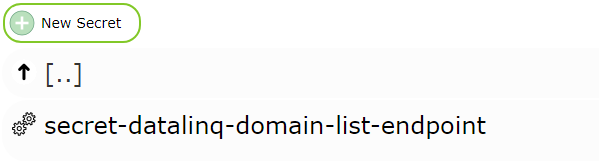
The newly created secret is given a name with the prefix secret-:
Clicking on the secret opens the following dialog:
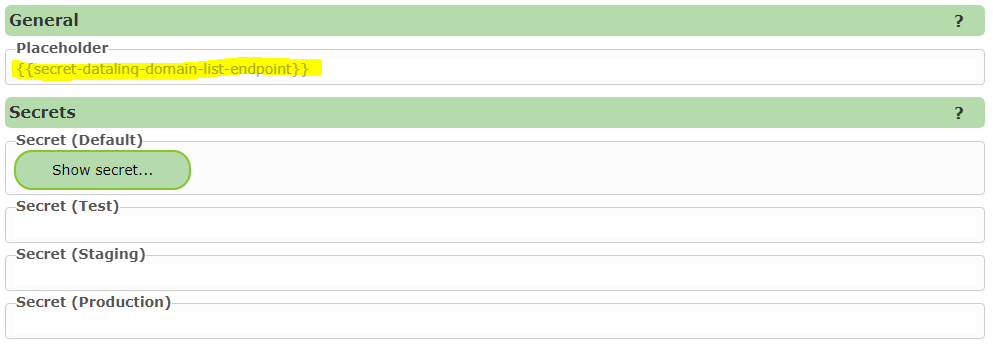
Under Placeholder, it is shown how this secret can be used. The secret can be inserted anywhere in the CMS as part
of a connection string or as a password:

In every dialog, an icon is shown at the top that lets you display the secret placeholders available for the CMS. Clicking on a placeholder copies it to the clipboard:

Different secret values can be created for different environments (environments). If no value is specified for an
environment, the value from Default is used. The environment for a deployment can be set by
system administrators in cms.config (node deployment under environment).
Note
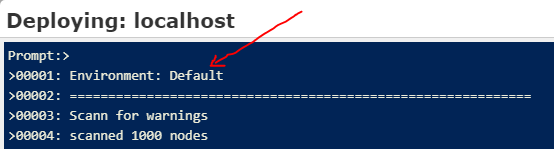
When publishing a CMS, the environment used is shown: