Publishing the CMS
To check how the parameterization done so far looks in the viewer, the CMS can be published once. To do this, click Deploy in the sidebar:
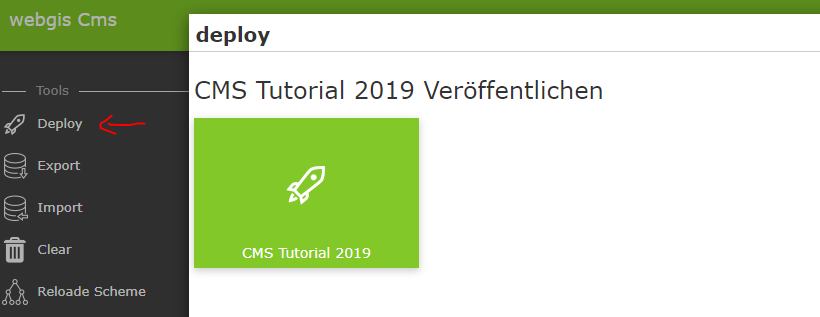
A dialog appears with a button that once again shows the name and, if applicable, the date of the last publication.
Clicking this button starts the build process:
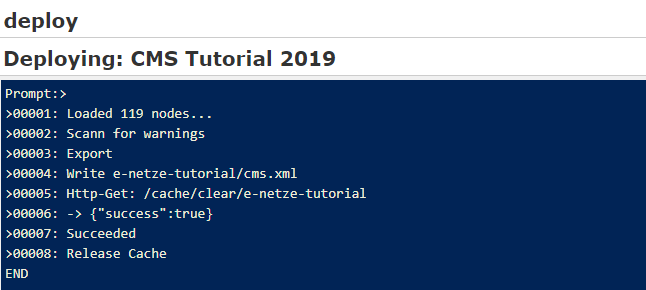
Depending on the size of the CMS tree, this process can take a few moments. If the build is successful, the message Succeeded is displayed at the end and the dialog can be closed with X.
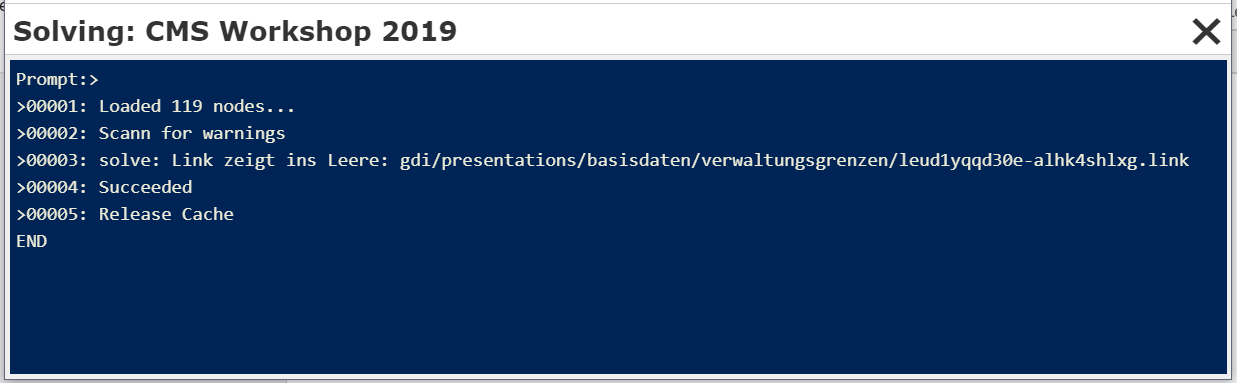
If warnings occur during publishing, for example because there are presentation variants that reference deleted layer toggles, the process is aborted:
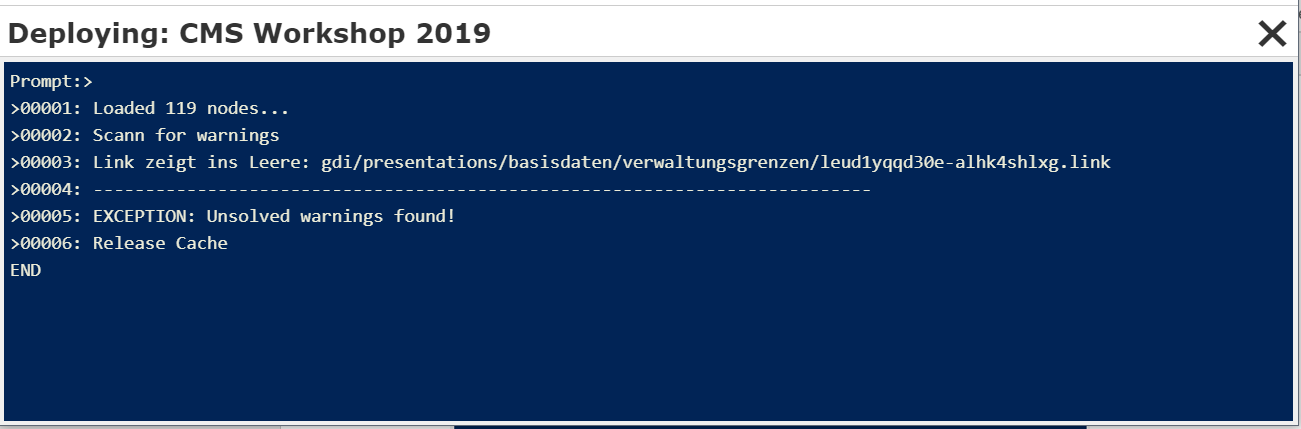
A CMS with a warning can no longer be published. There are two ways to resolve the conflict:
Based on the message shown, find the problem and delete the corresponding reference (here a presentation variant).
Automatically delete the warning.
Regarding 2: After the warnings are shown, close the window. In the deploy dialog, a note now appears indicating that there were warnings during the last publish:
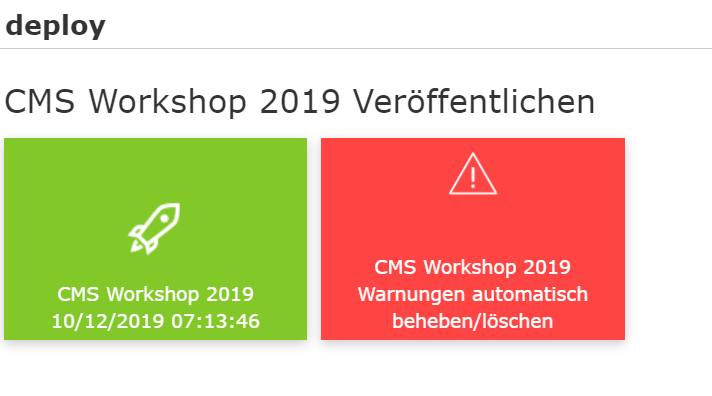
Clicking the red button attempts to automatically resolve the warnings, which essentially means that the corresponding references are deleted.
Caution: You should only do this if deleting the layer toggle, for example, was intentional. Otherwise, references may be deleted unintentionally:
After this process, the red button disappears from the deploy dialog and the CMS can be published again.